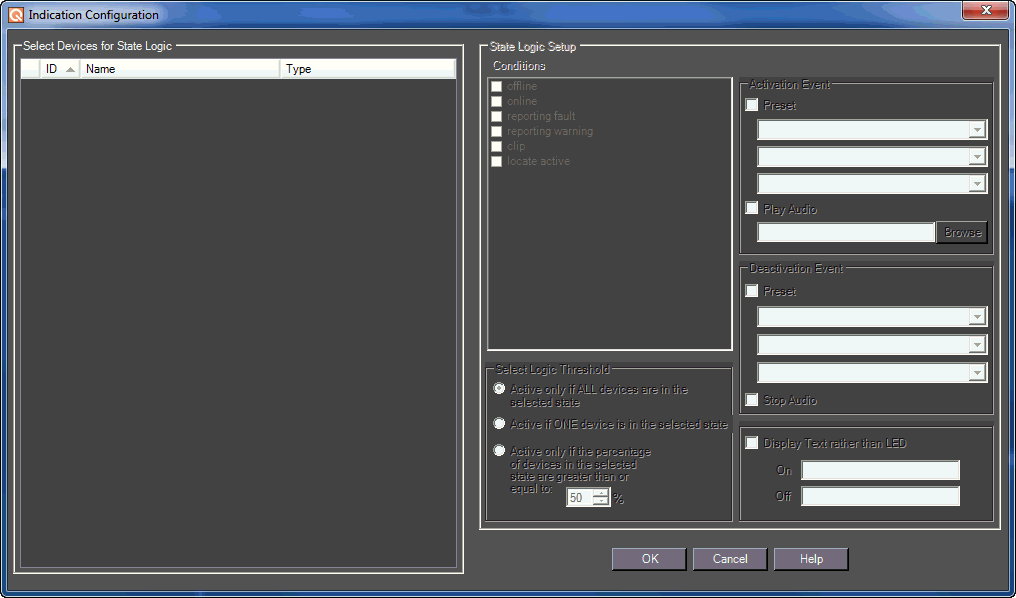
The Indication Configuration form allows you to make specifications for a system indicator or region control on a Custom Panel.
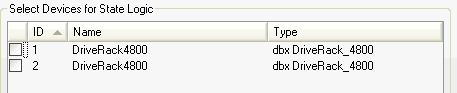
The devices that will be included in this configuration.
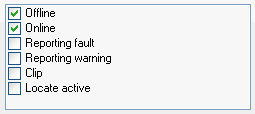
The condition of the device that will facilitate the activation or deactivation events.
What will cause the logic action to occur:
 - if condition occurs on all devices
 - if condition occurs on at least one device
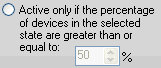 - if condition occurs on specified percentage of devices
NOTE: The logic represented by the Conditions combined with Threshold corresponds to AND/OR/Mixed logic.
The action that takes place each time the specified device state occurs including launch preset and/or play audio file.
The panel preset, device preset, or venue preset to be launched each time the device state occurs.
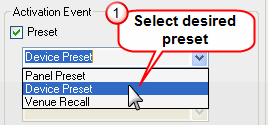
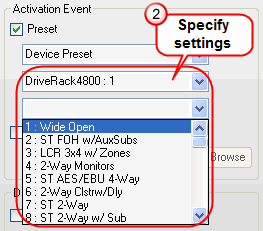

The audio file that will play each time the specified device state occurs. It will continue to play to the end of the file unless the deactivation event includes stop audio.
Browse and select the name of the file to play. Windows sounds are located in the "Windows\media" directory.
The action that takes place when the event stops occurring, including launch preset and/or stop playing audio file.
The panel preset, device preset, or venue recall to be launched when the device state stops occurring.

Shuts down the audio file when the device state stops occurring.
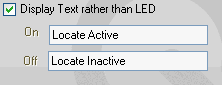
Instead of an LED  , a text button
  can display alternating states. Check the box to the left and enter the text to show the ON and OFF states.